Contents
- What should you do in the four weeks before Black Friday?
- How do you shorten the physical line outside the door?
- How should you organise queues inside the shop?
- What should you tell customers while they wait?
- How do you keep a Black Friday queue safe and accessible?
- What should you measure after the day, and how do you reuse the plan?
- Your Black Friday queue checklist
Black Friday queue management means planning for the busiest few hours of the retail year before they arrive: forecasting how many people will come, moving the line off the pavement, splitting the queues inside the shop, keeping waiting customers informed and keeping everyone safe. In 2026, Black Friday falls on 27 November.
The crowds are real. The US National Retail Federation counted a record 202.9 million shoppers over the five days from Thanksgiving to Cyber Monday in 2025, with 80.3 million shopping in stores on Black Friday alone [1]. You don't need to be a department store to feel it. A small shop with one good deal can have a line out of the door by nine.
This is a practical playbook for a single shop or a small chain. If you want the background first, our guide to queue management systems explains the general approach.
What should you do in the four weeks before Black Friday?
Forecast the day from last year's numbers, then build a staffing plan that puts a named person in every position. Everything else on the day depends on those two.
Forecast from last year
Look for three things in last year's figures: till transactions by hour, footfall counts if you have them, and when you ran out of the headline products. You're not after a precise prediction. You're after the shape of the day.
- When does the rush start? Is there a queue at opening, or does it build from late morning?
- When does it peak, and for how long? A two-hour peak needs a different plan from a steady day.
- What do people come for? If most of the queue is for one product, you can split it out.
- What changed? A new deal, a new location or a longer opening time will change the shape.
The UK Health and Safety Executive suggests forecasting attendance from past attendance and similar events, and considering variable factors such as the weather [4]. That advice is written for events, but it applies just as well to a sale.
Build the staffing plan
OSHA's crowd guidance for retailers recommends a detailed staffing plan that gives each worker a location, based on the size of the crowd you expect, near the entrances and throughout the store [2]. In practice, that means a rota with these roles filled for every hour of the peak:
- Door host. Manages the line or the virtual queue, answers questions and lets people in.
- Floor lead. One person who can make decisions on the day: open another till, pause entry, change the plan.
- Tills. Your normal count plus one, if you can.
- Collections and returns. Separate people, if you're running separate queues.
- A runner. Restocks, fetches sizes and covers breaks.
Then brief everyone on the plan a week before, not on the morning.
How do you shorten the physical line outside the door?
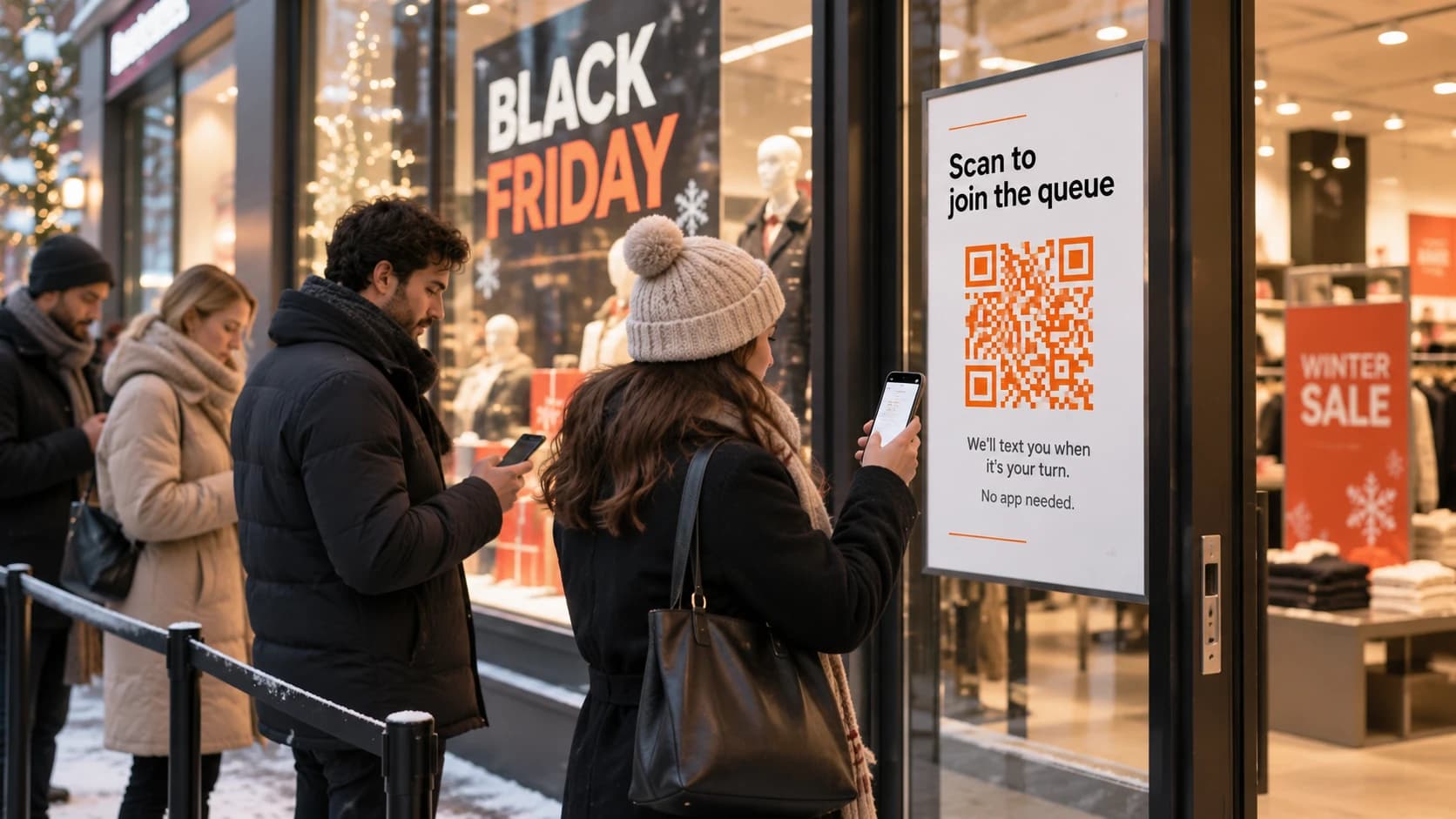
Give people a way to queue without standing in it. A QR-code virtual queue at the door lets customers join from their phone, wait wherever they like and come back when they're called. Combine it with a capacity limit inside the store and clear signs, and the pavement stays clear.
Set up a virtual queue
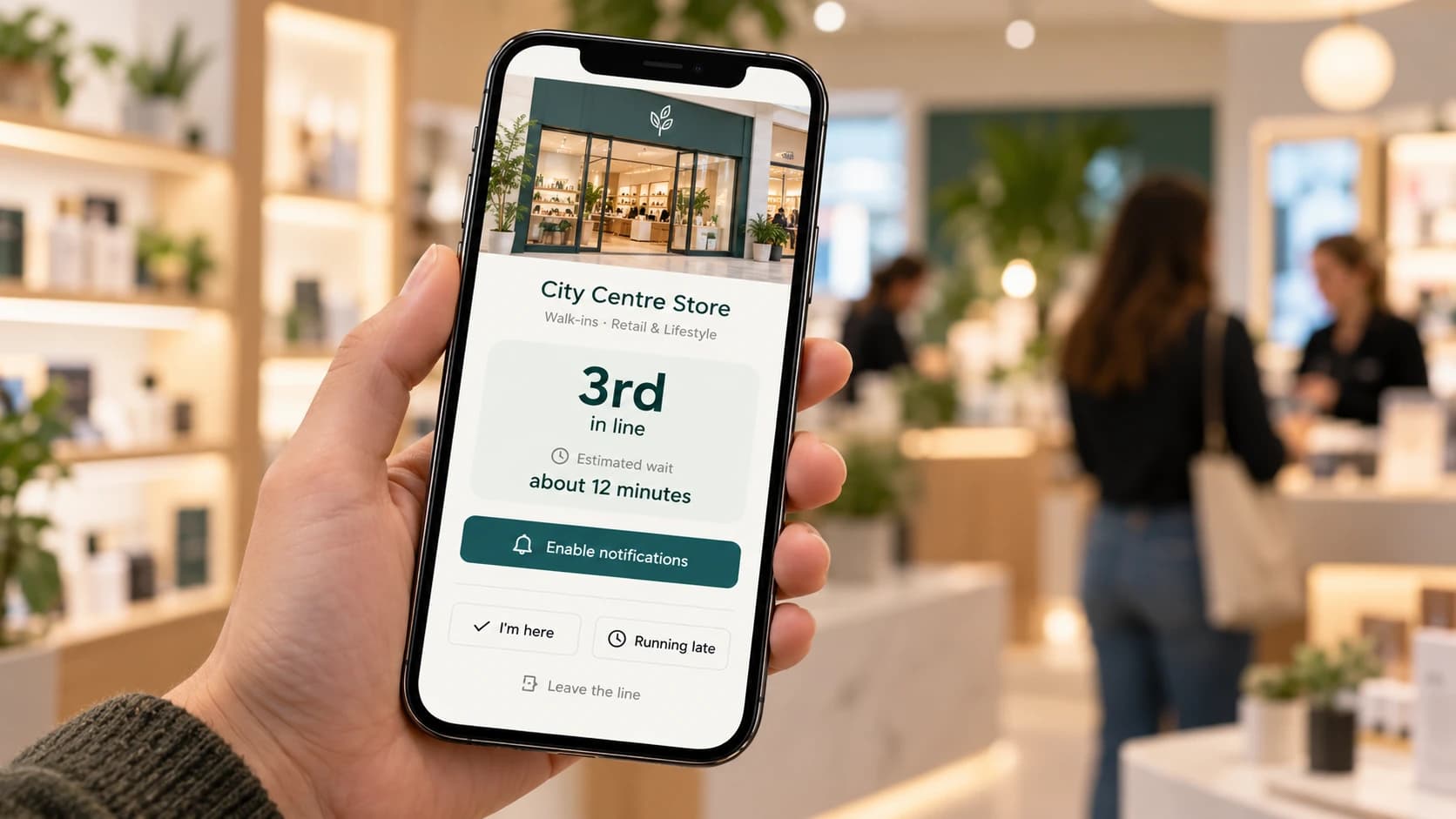
Put a large QR poster at the door and a second one where the physical line would start. The customer scans it, gives a name and a mobile number, and gets a live page showing their place in line. They can wait in a café, in their car or in the shop next door. When they're nearly at the front, they get a message.
For the virtual queue to work on the day, test it the week before: scan the code from a few different phones, join, and have someone call you from the staff screen. Check the poster is readable from a distance in morning light.
Set a capacity limit
Decide how many customers the shop can hold comfortably and stick to it. OSHA recommends not letting more customers in once the store reaches its maximum occupancy [2]. The virtual queue makes this easier: the door host calls the next few people in only as others leave, instead of opening the doors to a crowd.
Signs that answer questions before they're asked
Signs should say, in large text: how to join the queue, roughly how long the wait is, where collections and returns go, and the opening times. OSHA's guidance includes legible signs for entrances, exits and opening times among its planning steps [2].
FeatureBranded QR codesGenerate print-ready QR codes linked to a specific location or waitlist, styled with your branding.Learn moreHow should you organise queues inside the shop?
Split the queues by what people came to do, because each one moves at a different speed. A customer collecting a pre-paid order shouldn't wait behind a full basket, and a return shouldn't hold up either.
| Queue | Typical visit | Tip |
|---|---|---|
| Tills | Varies with basket size | Open an express till for one or two items |
| Click-and-collect | Short: find the order, check ID | Have orders sorted by name or number before opening |
| Returns and exchanges | Slow and unpredictable | Move them away from the tills, or ask people to return after the weekend |
| Advice or fitting | Long | Consider booked slots for this on the day |
With a virtual queue, give each queue its own QR code. The code at the collections point drops people straight into the collections queue, and the code at the door asks them which queue they want. Each queue then gets its own wait estimate, which matters, because collections might be a five-minute wait while the tills are thirty.
If you run more than one shop, set this up the same way in each one, so your team can move between branches without learning a new system. Customers who scan a company-wide link can pick their nearest branch.
What should you tell customers while they wait?
Tell them where they stand, tell them when it changes, and tell them when to come in. Customers leave a queue when they feel forgotten, or when the wait they were promised turns out to be a guess.
- Confirm they've joined. A message with a link to their live place in line means they can close their phone and still find it again.
- Give a range, not a number. "25 to 35 minutes" is more honest than "30 minutes", and more forgiving.
- Update them when the wait changes. If a delivery van blocks the stockroom and everything slows, say so.
- Send a "you're next" message. Give people enough warning to walk back from the café. If they're coming from a car park, a message a few places from the front is kinder than one at the front.
- Offer a time slot for slow services. For advice or collections that take a while, timed bookings ("come back at 10:40") remove the queue altogether.
How do you keep a Black Friday queue safe and accessible?
Plan for the crowd, the weather and the people who can't stand in a line for an hour. Safety guidance on both sides of the Atlantic covers the same ground.
Crowd safety
OSHA's fact sheet for retailers is the most practical guide to this. Its key recommendations for the setup [2]:
- Put up barricades or rope lines well before customers arrive.
- Make sure the line doesn't start right at the entrance, so you can let people in in small groups.
- Put breaks and turns in long barricade lines to reduce pushing from the back.
- Never block or lock exit doors.
- Have an emergency plan that covers overcrowding and crushing, and share it with local emergency services.
In the UK, the HSE says there should be a safe way for people to get out of a queue, and that queuing should not block emergency access routes [3]. A virtual queue helps with both, because most of the line is somewhere else.
Priority access
Some customers can't wait standing up: older people, people with disabilities, pregnant customers, parents with young children. The HSE's risk assessment guidance specifically asks you to consider people with disabilities when planning [4]. Decide in advance how you'll help them. A virtual queue already lets people wait sitting down. Your door host can also bring someone forward and serve them out of order, and the rest of the queue is far more forgiving of that when there's a sign explaining it.
Weather
Late November can be cold, wet and dark. If people must queue outside, check the forecast, plan for shelter, and remember the line will move more slowly if everyone is struggling with umbrellas. A virtual queue that lets people wait in their cars is the simplest fix.
What should you measure after the day, and how do you reuse the plan?
Write down what happened while it's fresh, then reuse the plan for Cyber Monday, the pre-Christmas weekends and the Boxing Day sales.
Measure these:
- Joins by hour. When did the rush really start and peak?
- Average wait. By queue, if you split them.
- How many people gave up. Those who left the queue, or never came back when called.
- Transactions by hour. Did the tills keep up with the door?
- What ran out, and when.
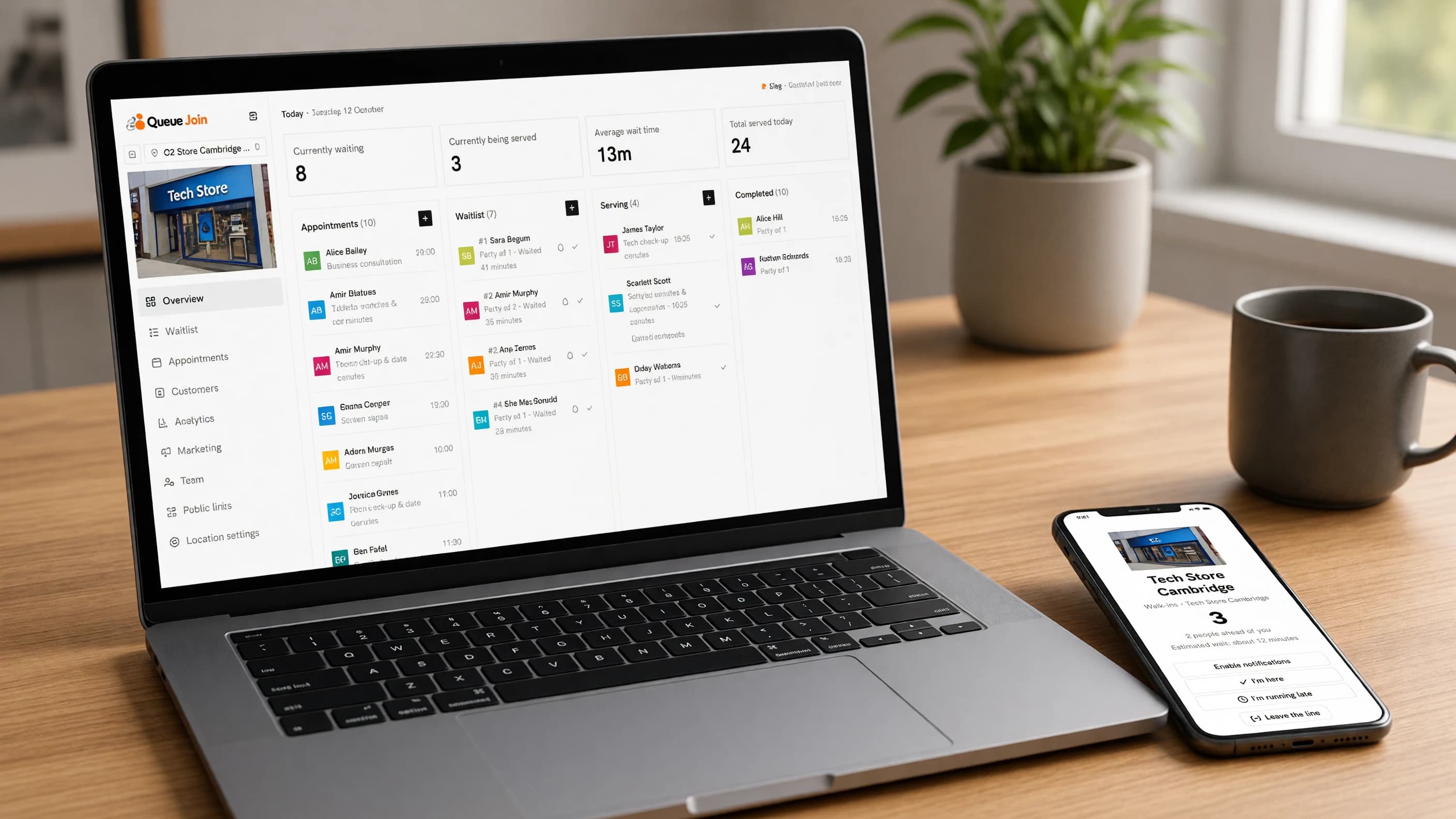
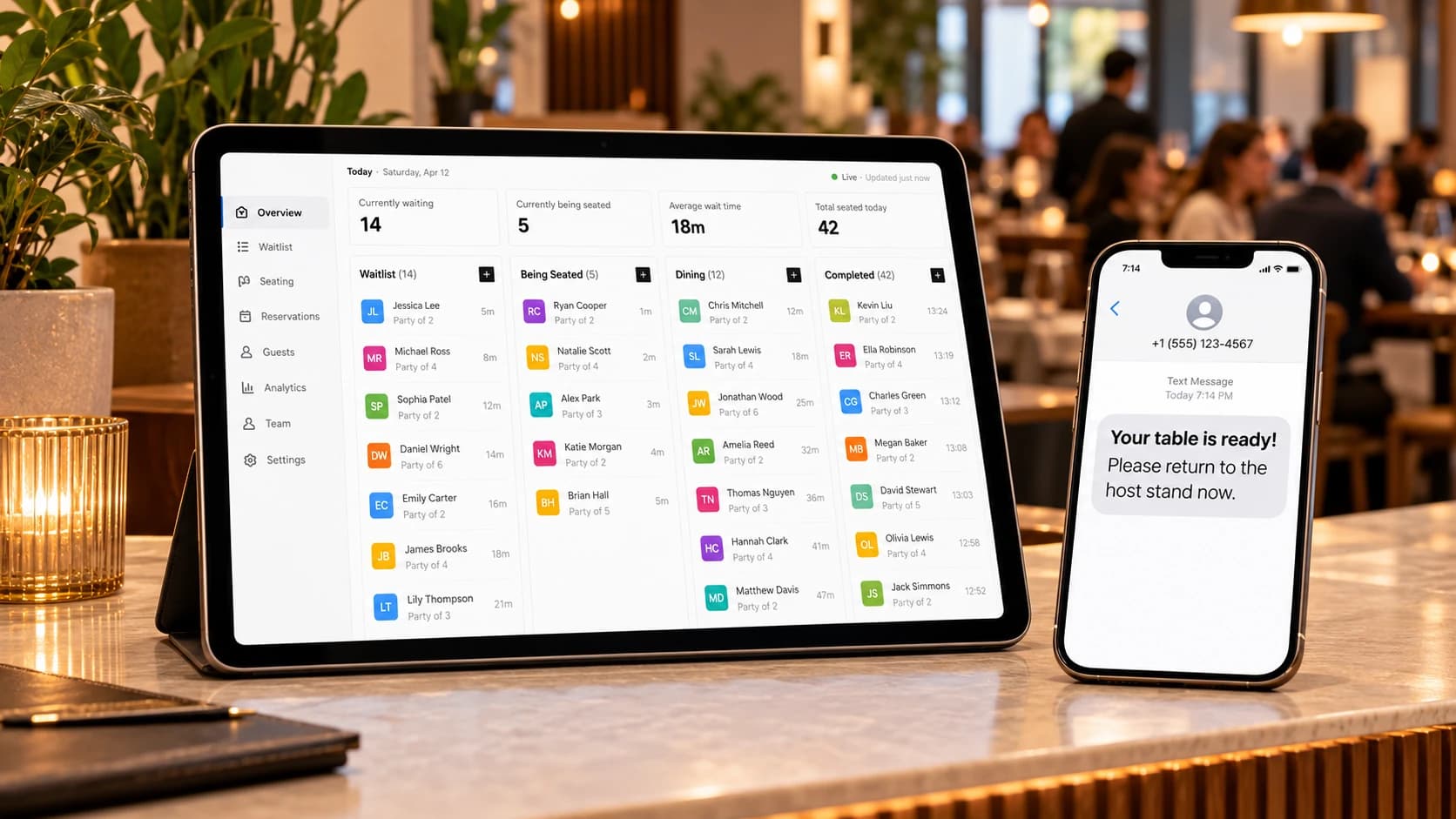
A digital queue records most of this as you go. In Queue Join, analytics shows joins, average wait, busiest hours, no-show and cancellation rates, and breakdowns by queue and location, on higher plans.
Then reuse it. Cyber Monday is 30 November 2026, and Boxing Day is 26 December. The same signs, QR codes and rota work for all of them, adjusted by what Black Friday taught you.
For a store that wants a proper queue management system for retail beyond the holidays, the same setup runs every day of the year. With several branches, multi-location support keeps the setup and the numbers in one place.
Your Black Friday queue checklist
Print this and pin it up in the stockroom.
Four weeks before
- Pull last year's transactions and footfall by hour
- Note what sold out and when
- Decide which queues you'll run (tills, collections, returns)
- Set your maximum occupancy for the shop floor
- Draft the staffing rota, with a named person in every role
- Order barriers or rope lines if you need them
Two weeks before
- Set up the virtual queue and a QR code for each queue
- Print the QR posters and the signs (how to join, wait times, collections, opening times)
- Write the emergency plan: overcrowding, first aid, evacuation
- Agree how you'll handle priority access, and write the sign for it
- Contact local police or council if you expect a large crowd outside
The week before
- Test the queue from several phones, including joining, calling and the "you're next" message
- Brief the team on the plan and their roles
- Sort click-and-collect orders by name or number
- Check the weather forecast and plan for shelter
On the day
- Barriers up before customers arrive, with the line starting away from the door
- Exits clear and unlocked
- QR posters up at the door and at each queue point
- Door host and floor lead in position, with a way to talk to each other
- Watch the waits and update customers if they change
The day after
- Record joins, waits and walk-aways by hour
- Note what went wrong and what you'd change
- Adjust the plan for Cyber Monday and Boxing Day
Frequently asked questions
Sources
- National Retail Federation — Thanksgiving holiday weekend draws a record 203 million shoppers (2025)
- OSHA — Crowd management safety guidelines for retailers (fact sheet)
- Health and Safety Executive — Put crowd controls in place
- Health and Safety Executive — Assess crowd safety risks and identify hazards

About the author
Chris Hunter
CEO and founder of Queue Join, writing about running waitlists, bookings and customer messages for businesses that serve people in person.
More about Queue Join