Contents
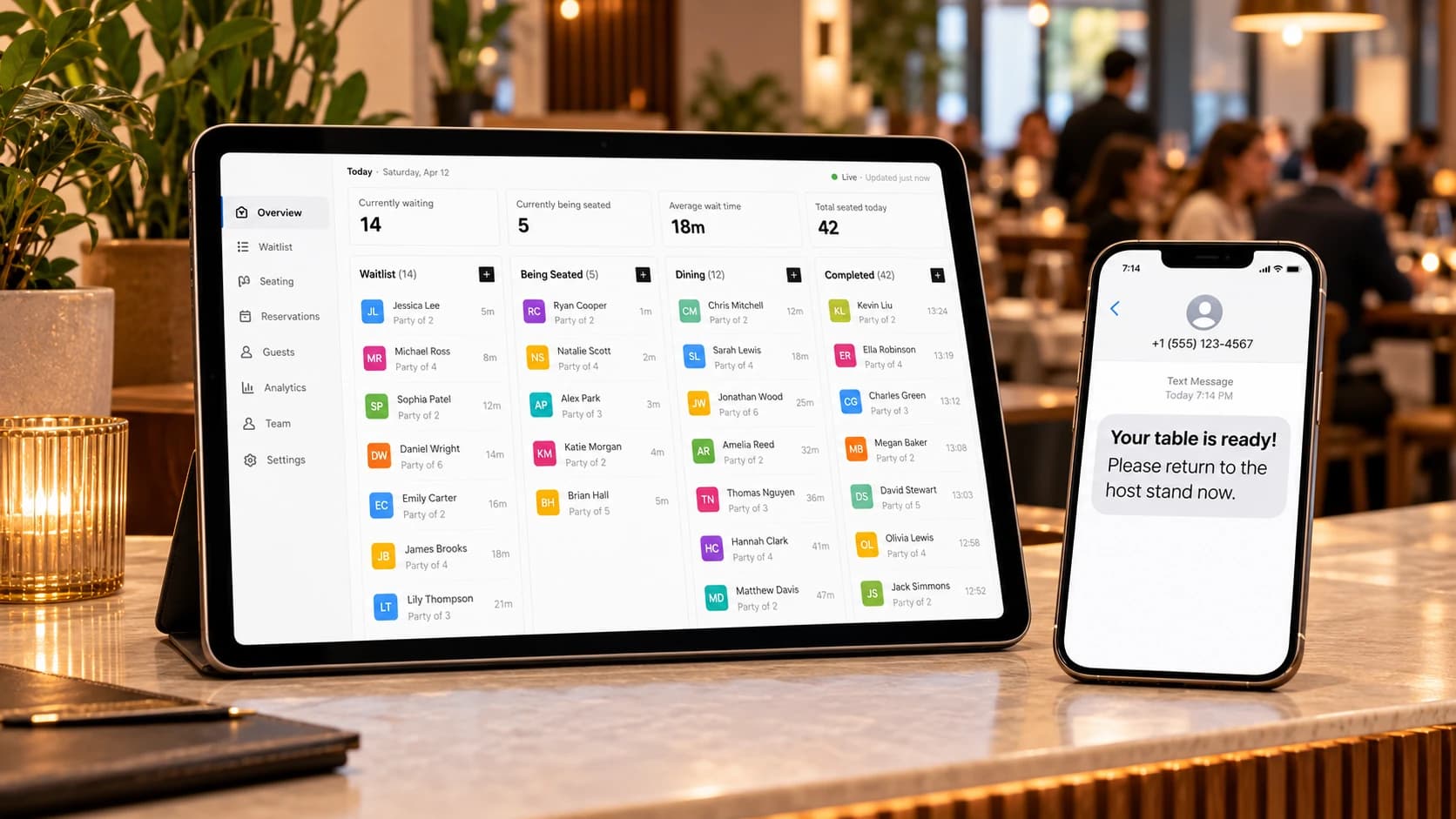
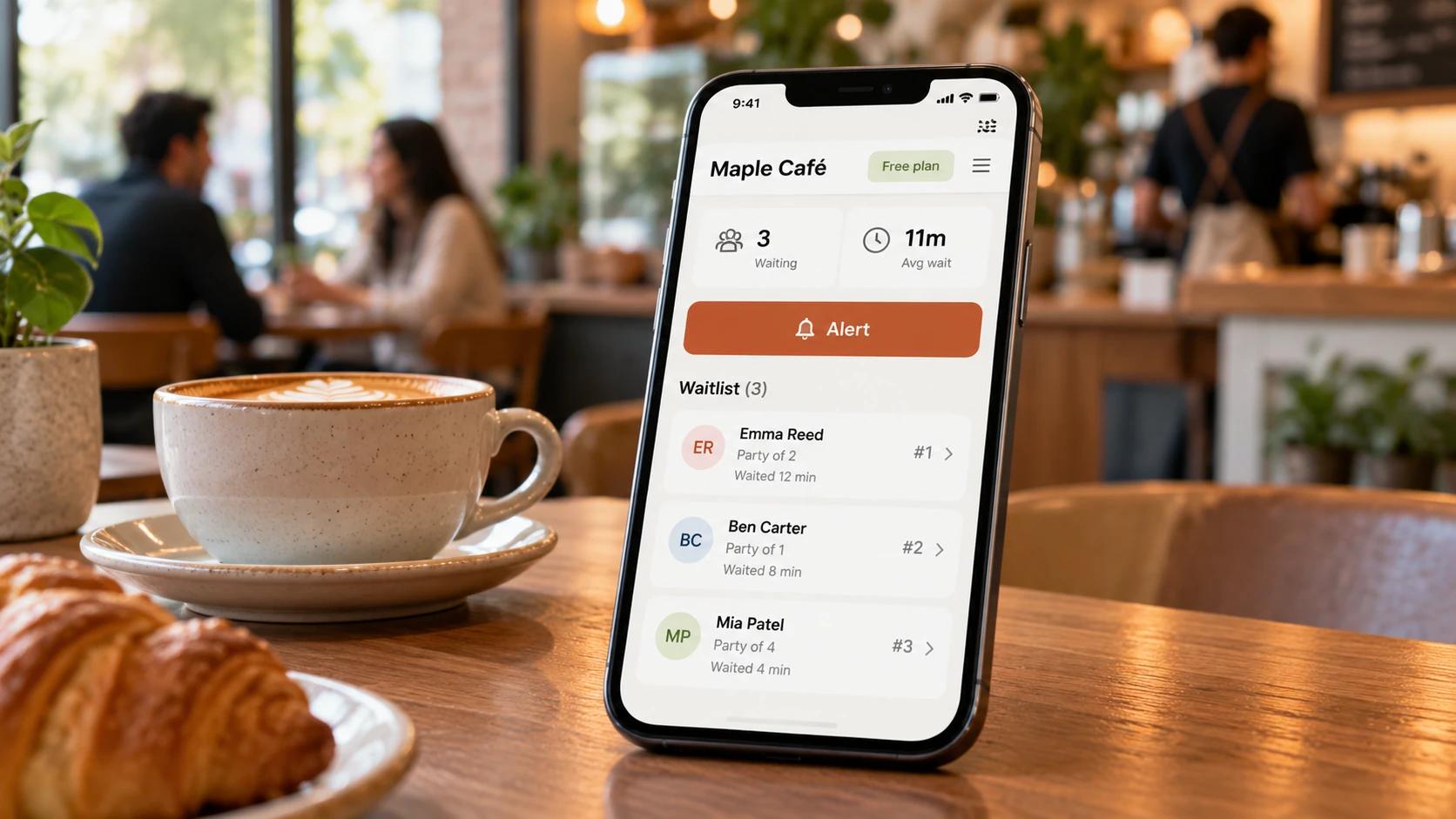
The best free waitlist app is the one whose free plan still alerts your customers when it's their turn. Queue Join, Waitwhile and NextME have free plans that can message customers within a monthly cap. Waitlist Me's free plan can't send notifications. Yelp Guest Manager has no free plan. Each is compared below.
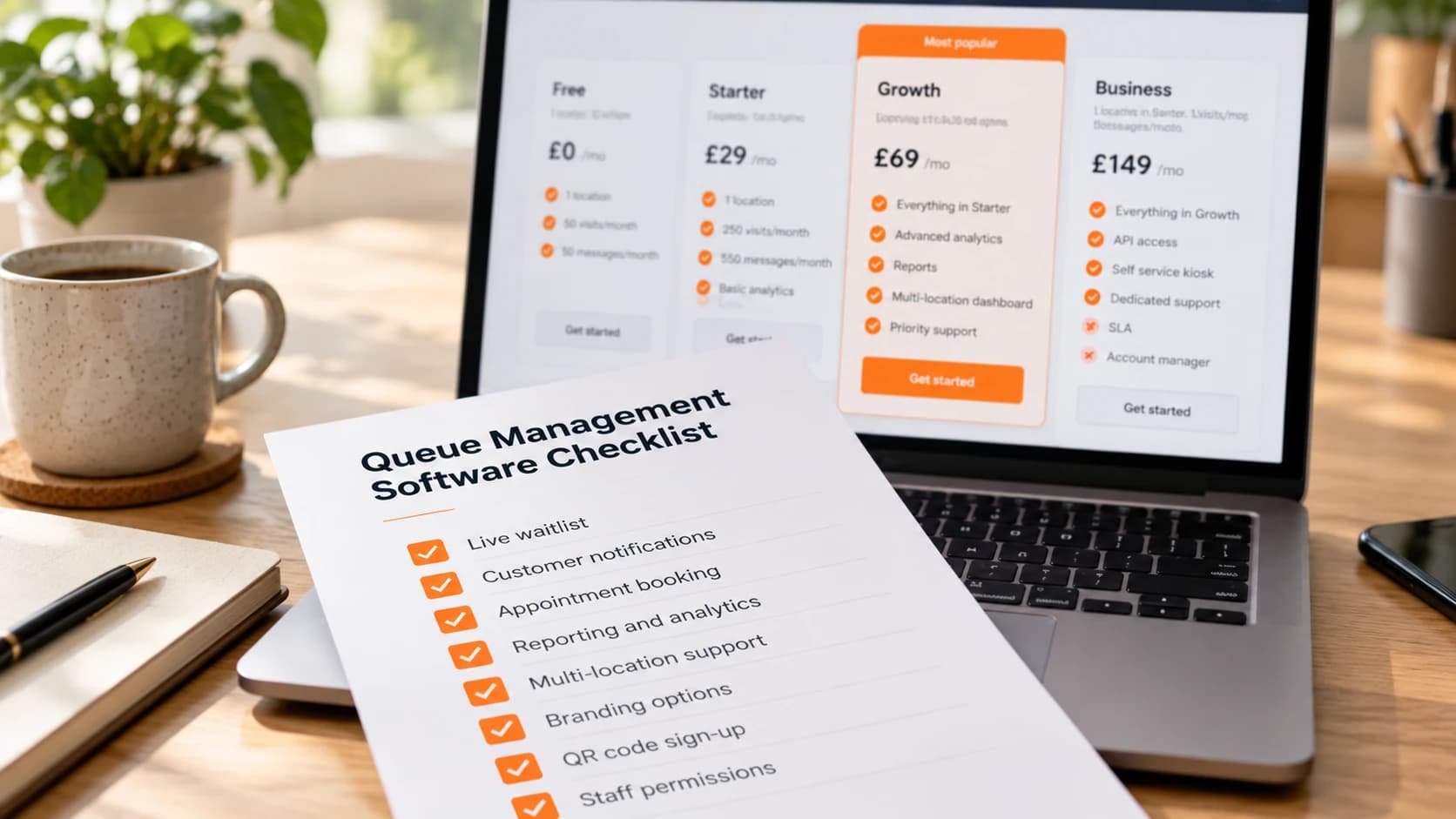
A waitlist app is one kind of queue management system: customers join a list from their phone or at the counter and are called when you're ready. If you're choosing between paid products too, our buyer's checklist for queue management software covers pricing models and the questions to ask.
What does "free" usually mean in a waitlist app?
Every free plan pays for itself somehow, and most do it by capping one of five things.
- Visits. A limit on how many customers can join each month. Past it, new people can't be added until the next month or until you upgrade.
- Text messages. Texts cost the provider money every time. Twilio lists an outbound text to a UK mobile at $0.056 a segment [8], so free plans either cap texts tightly, give a one-off credit, or leave them out.
- Notifications altogether. Some free plans let you keep a list but not message anyone from it.
- Locations and users. Usually one branch and sometimes one staff login.
- Branding and features. The vendor's logo on your pages, no reports, no booking.
None of that makes a free plan bad. It makes it a trial, or a fit for a quiet business. The questions are which cap you'll hit first, and what it costs when you do.
How we compared them
We looked at each app's free plan and its first paid plan, using only the vendor's own pricing and help pages, all checked in October 2026. Prices are in US dollars as the vendors publish them. For each app:
- What's free: the limits on the free plan.
- The paid jump: the cheapest paid plan, monthly and billed annually where stated.
- Best for: the kind of business it suits.
- The catch: what you'll notice first.
We didn't use review-site ratings or third-party price trackers, which are often out of date, and we didn't include apps that hide all their prices behind a sales call. Where a vendor's pages didn't say something, such as whether a free plan includes booking, the table says "not listed" rather than guessing. Free plans change more often than paid ones, so if a detail matters to your decision, open the vendor's pricing page and check it yourself on the day.
Queue Join is our own product. It's listed first so that's clear, and we've tried to describe it as plainly as the others. Plans and prices change, so check each vendor's website before you decide.
The free waitlist apps
Queue Join
Queue Join is waitlist and booking software for businesses that serve people in person.
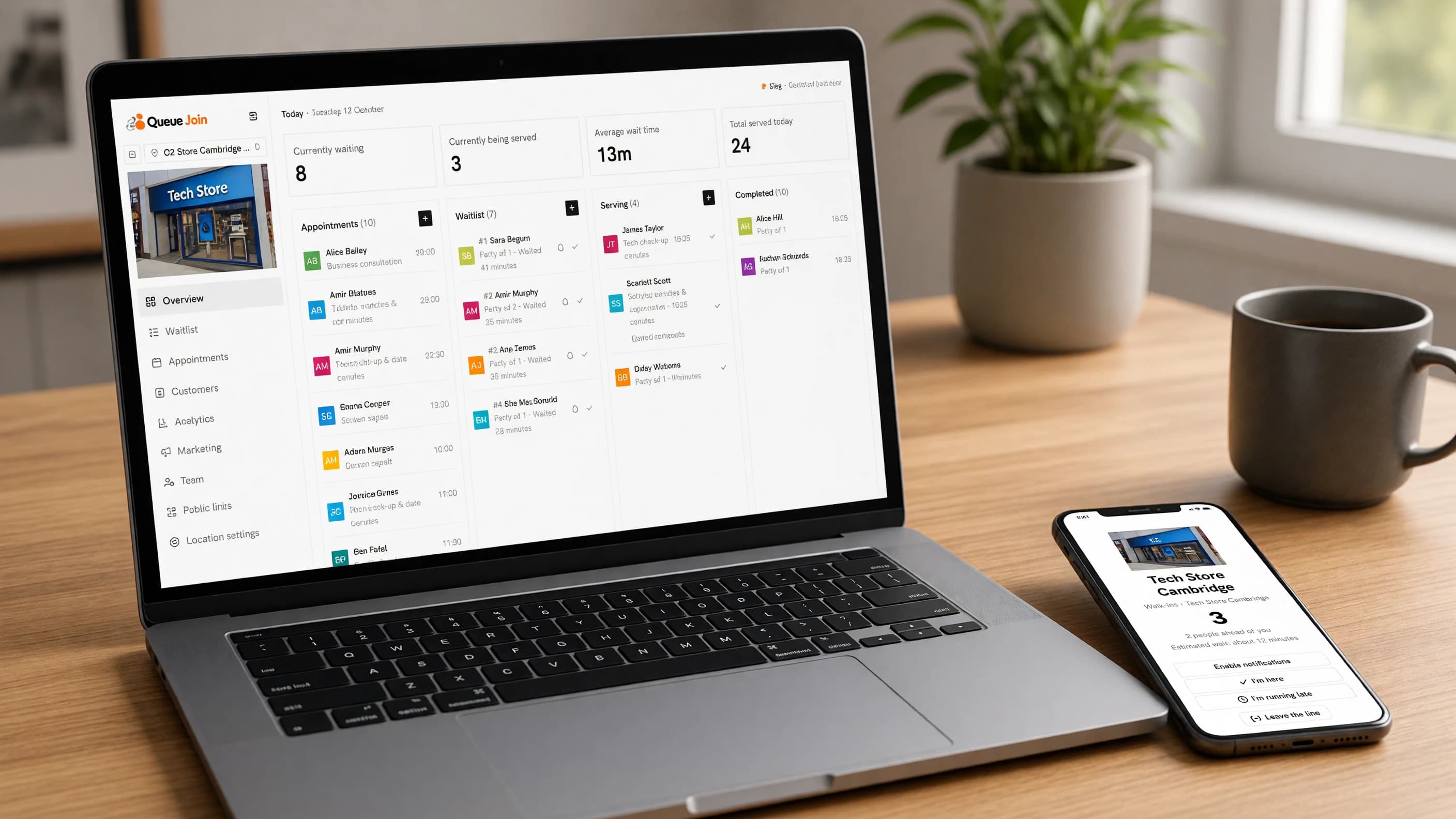
- What's free: the Free plan has a monthly cap on waitlist visits and on messages, and covers fewer branches than the paid plans. It includes the live waitlist, appointment booking, WhatsApp and text alerts, free web push notifications and email, your own branding and marketing campaigns to customers who opted in. No card is needed. See current pricing for the exact limits.
- The paid jump: paid plans raise the visit and message allowances and add more locations. Each starts with a free trial. See current pricing.
- Best for: shops, salons, clinics and other walk-in businesses that also take bookings, especially outside North America, where WhatsApp alerts matter.
- The catch: once the Free plan's messages are used, texts stop until the next month (push and email carry on), and analytics, reports and the kiosk are on higher plans. It has no table or floorplan management for restaurants, and customer pages are in English only.
Waitlist Me
Waitlist Me is a long-standing waitlist and reservations app, popular with restaurants in the US and Canada.
- What's free: a free version for adding guests and taking same-day reservations. It "does not come with the ability to send notifications" [2].
- The paid jump: Premium is $34.99 a month, or $27.99 a month billed annually, with 1,000 notifications a month, then $0.02 for each extra notification. Pro ($59.99) and Platinum ($99.99) add tables, reports and floorplans [1].
- Best for: restaurants that want table and floorplan management and are happy to pay once they need notifications.
- The catch: without notifications, the free plan is a list on a screen. You'll still be calling names out or texting by hand.
Waitwhile
Waitwhile is a waitlist and appointment platform used by larger organisations as well as small businesses.
- What's free: one location and up to 50 visits a month, with a $2 SMS credit to try texting, two-way email (up to five emails per visit) and two-way chat [3].
- The paid jump: Starter starts from $31 a month billed annually, priced in units of a location or a block of visits, and the paid plans run up to 10 locations [3]. Texts are paid for separately; Waitwhile's own table lists $0.03509 per outbound UK segment and $0.00717 per US one [4].
- Best for: businesses that expect to grow into enterprise needs, or that mostly message customers by email.
- The catch: the SMS credit is a one-off, so texting customers becomes a separate cost from the start of a paid plan.
NextME
NextME is a waitlist app that sells itself on simplicity, mostly to restaurants and service businesses in the US.
- What's free: one location, one user and 100 text messages a month, with waitlist management, wait estimates, real-time updates and custom fields [5].
- The paid jump: Starter is $59.99 a month, or $49.99 a month paid annually, with 3,000 messages a month, five users, self check-in and a virtual waiting room. Price and messages scale with locations [6].
- Best for: a single-site business that needs texts from day one and is happy with one login.
- The catch: one user on the free plan means one shared login, and analytics and reporting aren't on Free or Starter [5] [6]. The first paid plan is one of the bigger jumps here.
Yelp Guest Manager
Yelp Guest Manager is Yelp's reservation and waitlist system for restaurants.
- What's free: there's no free plan. Yelp lists Guest Manager at $129 to $349 a month and, at the time of checking, advertised a limited-time offer of up to 60 days at $0 [7].
- The paid jump: from $129 a month. Yelp says that includes reservations and waitlist, a point-of-sale integration, a check-in kiosk, a complimentary iPad, and tables listed on Yelp and other platforms [7].
- Best for: restaurants that get a lot of diners from Yelp and want reservations, waitlist and listings in one place.
- The catch: it's a restaurant system with a restaurant price. For a barber or a phone shop it's the wrong tool.
The baseline: paper or Google Sheets
Before paying anyone, it's worth knowing what free really looks like.
- What's free: everything. A clipboard, or a shared spreadsheet on a tablet at the counter with columns for name, phone, time joined, party size and status.
- The paid jump: none, but your time is the cost.
- Best for: a quiet business trying out the idea of a waitlist for a day or two.
- How to set it up: in Google Sheets, add a column for each detail and a status drop-down (waiting, called, served, left). Sort by time joined, freeze the header row and keep the sheet on a tablet behind the counter rather than facing customers. A simple Google Form can feed the same sheet from a QR code, so people can add themselves.
- The catch: customers can't see their place, nobody gets an alert unless a member of staff texts them from their own phone, and a sheet of names and numbers on show at the counter is a privacy problem.
Free waitlist apps compared
| App | Free plan | Texts on free | Booking on free | First paid plan | Best for |
|---|---|---|---|---|---|
| Queue Join | Monthly visit and message caps | Yes, within the monthly allowance, plus WhatsApp, push and email | Yes | See current pricing | Walk-ins plus bookings, outside North America too |
| Waitlist Me | Add guests and same-day reservations | No notifications | Same-day reservations | $34.99 a month ($27.99 annually) per location | Restaurants needing tables |
| Waitwhile | 1 location, 50 visits a month | One-off $2 credit | Yes | From $31 a month billed annually, per unit | Growing towards enterprise |
| NextME | 1 location, 1 user | 100 a month | Not listed | $59.99 a month ($49.99 annually) | Single site that needs texts now |
| Yelp Guest Manager | No free plan | Not applicable | Not applicable | From $129 a month | Restaurants that rely on Yelp |
| Paper or Sheets | Unlimited | Only by hand | A separate sheet | None | A trial day |
Competitor facts are from each vendor's own pages, checked October 2026. Competitor names are trademarks of their owners, and Queue Join isn't affiliated with or endorsed by any of them.
Which free waitlist app should you choose?
It depends on what you can't do without.
- You need customers alerted, and you're outside the US. Pick a free plan that includes messages and WhatsApp. Texts to UK and European numbers cost much more than US ones, which is where per-text pricing hurts.
- You run a restaurant with tables. Look at the restaurant-specific tools, and read our restaurant waitlist management guide for how to run the list well whichever you choose.
- You take bookings as well as walk-ins. Choose one that does both on the free plan, so you're not running two systems.
- You run a barbershop or salon. Walk-ins and bookings compete for the same chairs, so the app needs to know which stylist or barber each visit needs. Without that, a booked client and a walk-in can be promised the same chair at the same time. See how it works for barbershops and hair salons.
- You're in the US and only need texts. A free plan with a monthly text allowance will do for a quiet single site.
- You're just curious. Use a spreadsheet for a day. You'll find out quickly whether customers want to wait elsewhere, and whether shouting names across the room is costing you.
When does free stop making sense?
A free plan is the right choice until one of these happens.
You hit the cap on a busy day
The worst time to discover a visit or message limit is a Saturday lunchtime. If you're regularly getting close to the cap by the third week of the month, you've outgrown the plan. Look at your busiest month, not your average one.
You start paying per text anyway
Some "free" set-ups turn into a text bill: a one-off credit that runs out, or a free plan with no texts at all, so staff text from their own phones. Once you're paying for messages, compare that cost with a paid plan that includes them.
You open a second branch
Free plans are almost always one location. A second branch means either a second free account (two logins, two customer lists, no combined figures) or a paid plan.
You need to know your numbers
Free plans rarely include reports. If you want to know your busiest hours, your no-show rate or how long people really wait, you'll need a paid plan or a lot of spreadsheet work.
Your staff share one login
One user on the free plan means everyone signs in as the same person, so you can't tell who did what or remove someone's access when they leave.
FeatureInstant WhatsApp alertsWhatsApp first, SMS fallback, so customers always know the moment it’s their turn.Learn moreHow to make a free plan go further
If a free plan fits today, a few habits will keep you inside its limits for longer.
Send fewer messages
Most waitlists need two messages at most: "you've joined" and "it's your turn". Some need only the second. Switch off anything customers don't need, such as follow-ups and "your details changed" notices. Halving the messages per visit doubles the visits your allowance covers.
Keep messages short
Texts are counted in segments of 160 plain characters, and fewer once there's an emoji in them. A message that runs to two segments uses twice the allowance on many plans. If you can't edit the wording, you can still choose not to send the longer messages.
Use the free channels
Web push notifications and email usually don't count towards a text allowance. Customers have to switch push notifications on themselves, so a line on your poster or counter sign ("tap allow to get a notification when it's your turn") helps more people turn it on.
Cap the line
Set your opening hours and a limit on how many people can wait at once. It stops visits running up on a day you can't serve them anyway, and it's kinder than letting people join a queue that won't reach them before closing.
Watch the usage, not just the queue
Check how much of the month's allowance you've used around the middle of each month. If you're past half by the 15th, you know before the busy weekend that you'll run out, and you can decide calmly whether to upgrade.
What to check before you upgrade
When you do outgrow free, check three things before you pick a paid plan.
- How messages are priced. Included in the plan, bought as credits, or charged per text with a mark-up. Work out a month's bill at your real volume.
- How locations are priced. Per location, or several on one plan.
- Whether you can leave. A monthly plan, no notice period, and a way to export your customers.
Our queue management software buyer's checklist has 25 questions for this stage. And if you're weighing up a specific product, our alternatives pages compare Queue Join with Waitwhile, Waitlist Me and ScanQueue, with sources for every fact.
The short version
Free waitlist apps are a good way to start, as long as the free plan alerts your customers. Check what's capped, look at the first paid plan before you begin, and upgrade when you hit the cap on a busy day, start paying for texts or open a second branch, not before.
Frequently asked questions
Sources
- Waitlist Me — Pricing (checked October 2026)
- Waitlist Me — Free waitlist (checked October 2026)
- Waitwhile — Pricing (checked October 2026)
- Waitwhile help — How much do SMS cost? (checked October 2026)
- NextME help — Free plan (checked October 2026)
- NextME help — Starter plan (checked October 2026)
- Yelp for Business — Waitlist and table management software (checked October 2026)
- Twilio — SMS pricing for the United Kingdom (checked October 2026)

About the author
Chris Hunter
CEO and founder of Queue Join, writing about running waitlists, bookings and customer messages for businesses that serve people in person.
More about Queue Join