Contents
- Do you need queue management software at all?
- How is queue management software priced?
- What do text messages really cost?
- The 25-question checklist
- What are the red flags when buying queue software?
- How to run a two-week trial
- Where Queue Join fits, and where it doesn't
- Head-to-head comparisons
- The short version
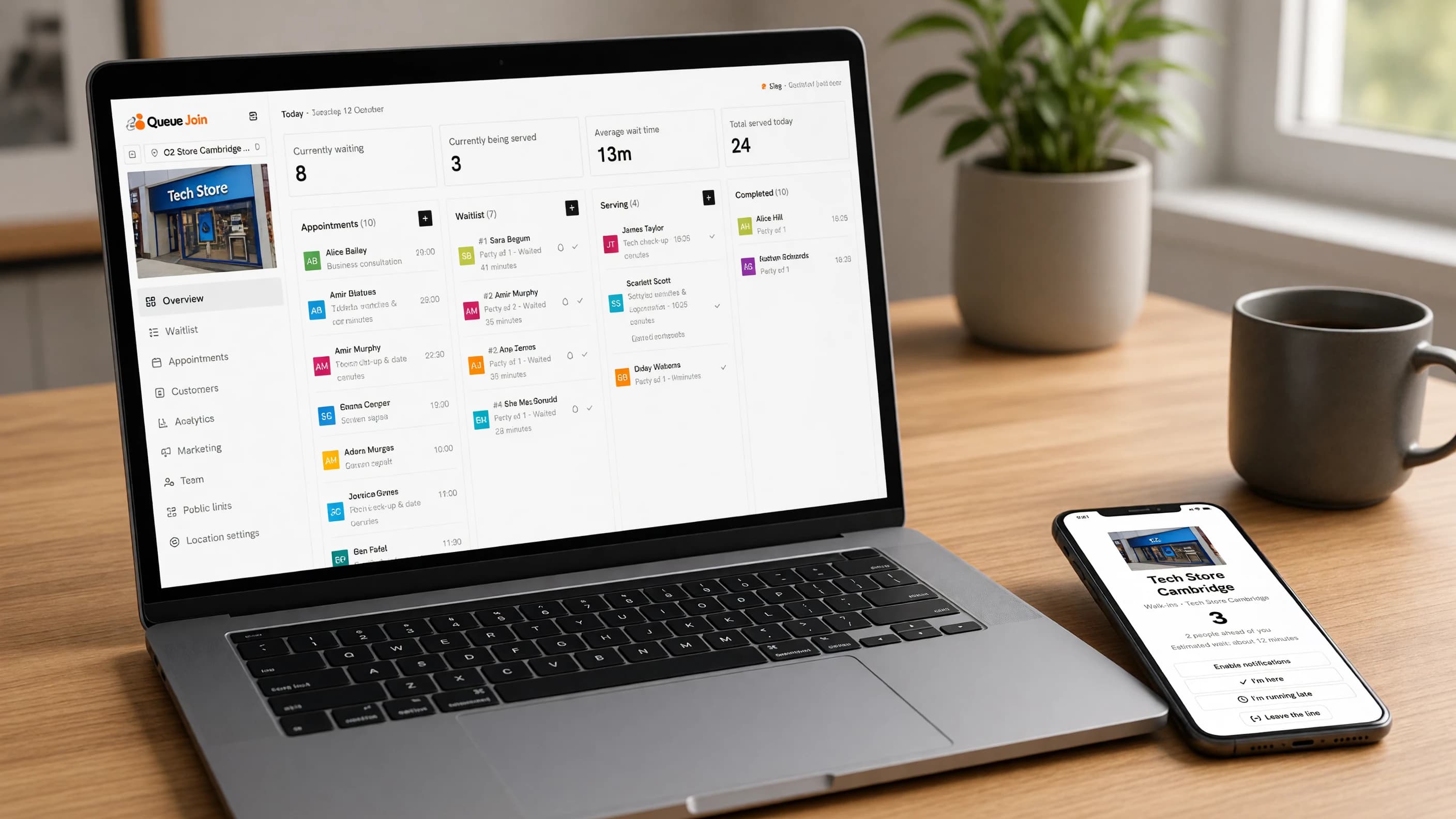
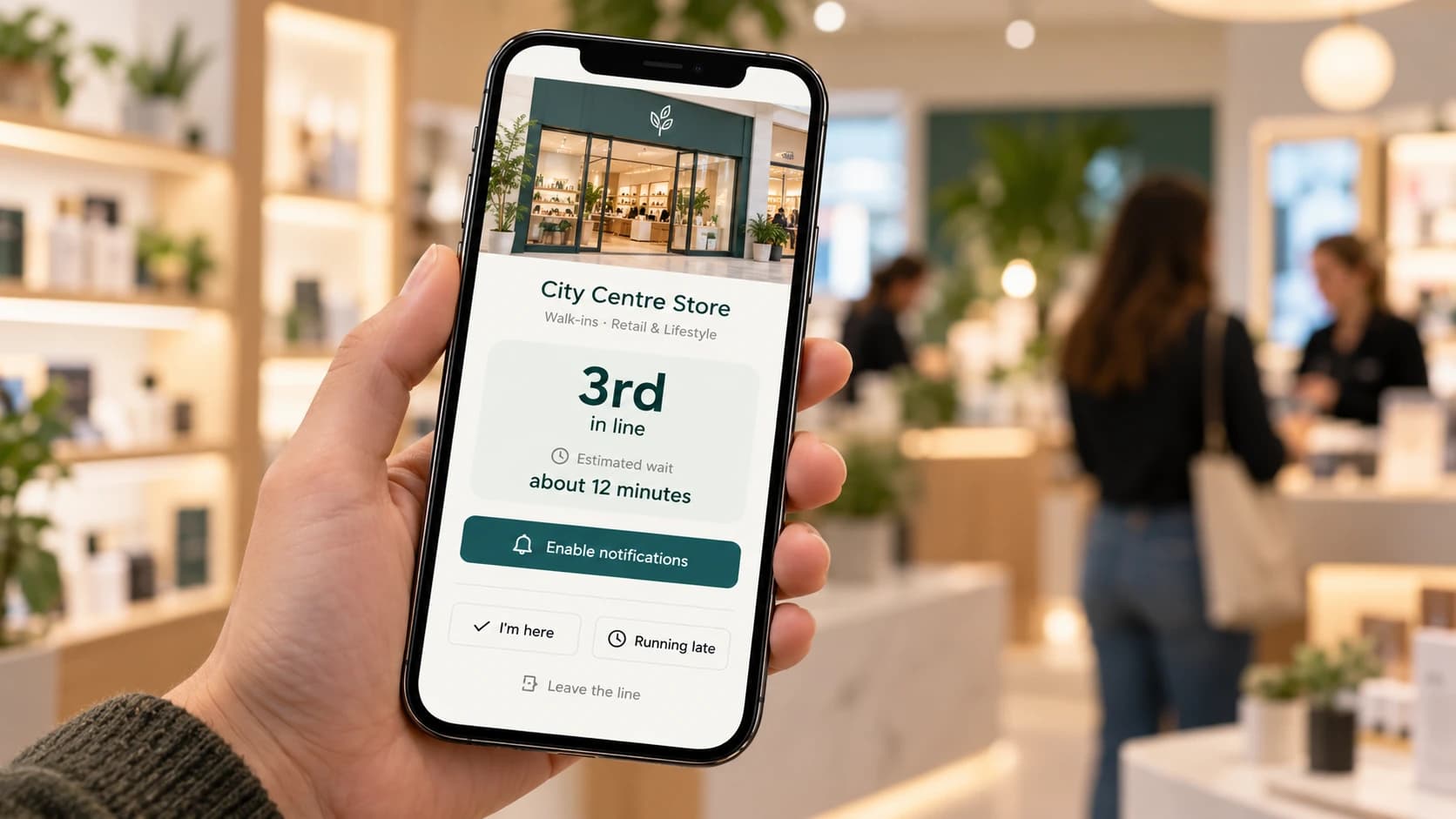
Queue management software lets customers join a line from their phone, see their place and get an alert when it's their turn, while staff run the line from one screen. To choose well, compare the pricing model, what text messages really cost, and whether it handles your bookings, branches and data. The 25 questions below cover all of it.
If you're not yet sure what a queue management system is or which type you need, start with what is a queue management system?, then come back here to pick a product.
Do you need queue management software at all?
Not every business does. Run through these questions in order and stop at the first answer that settles it.
- Do customers regularly wait more than about five minutes? If not, a well-signed physical line is probably enough. Software adds a step for the customer, and for a two-minute wait that step isn't worth it.
- Do people leave because the line looks long, or because they can't tell who's next? If yes, you're losing customers you never see, and a virtual queue is the usual fix.
- Is your waiting area too small, or would you rather people browsed, shopped or waited in the car? If yes, software lets them wait elsewhere.
- Do you take bookings as well as walk-ins, and do they collide? If yes, you need software that knows about both, not just a waitlist.
- Do you have, or plan, more than one branch? If yes, you'll want one account that covers all of them.
If you answered yes to question 2, 3, 4 or 5, read on. If your only answer was "no" to question 1, save your money for now.
What the software replaces
It helps to be clear about what you're paying to get rid of. For most small businesses it's one or more of these: a paper sign-in sheet that nobody can read, a ticket machine whose rolls keep running out, a host calling names across a noisy room, or a member of staff who spends the busy hour answering "how long will it be?" The cost of each is real, even if it never appears on an invoice: staff time, and the customers who looked at the doorway and left.
How is queue management software priced?
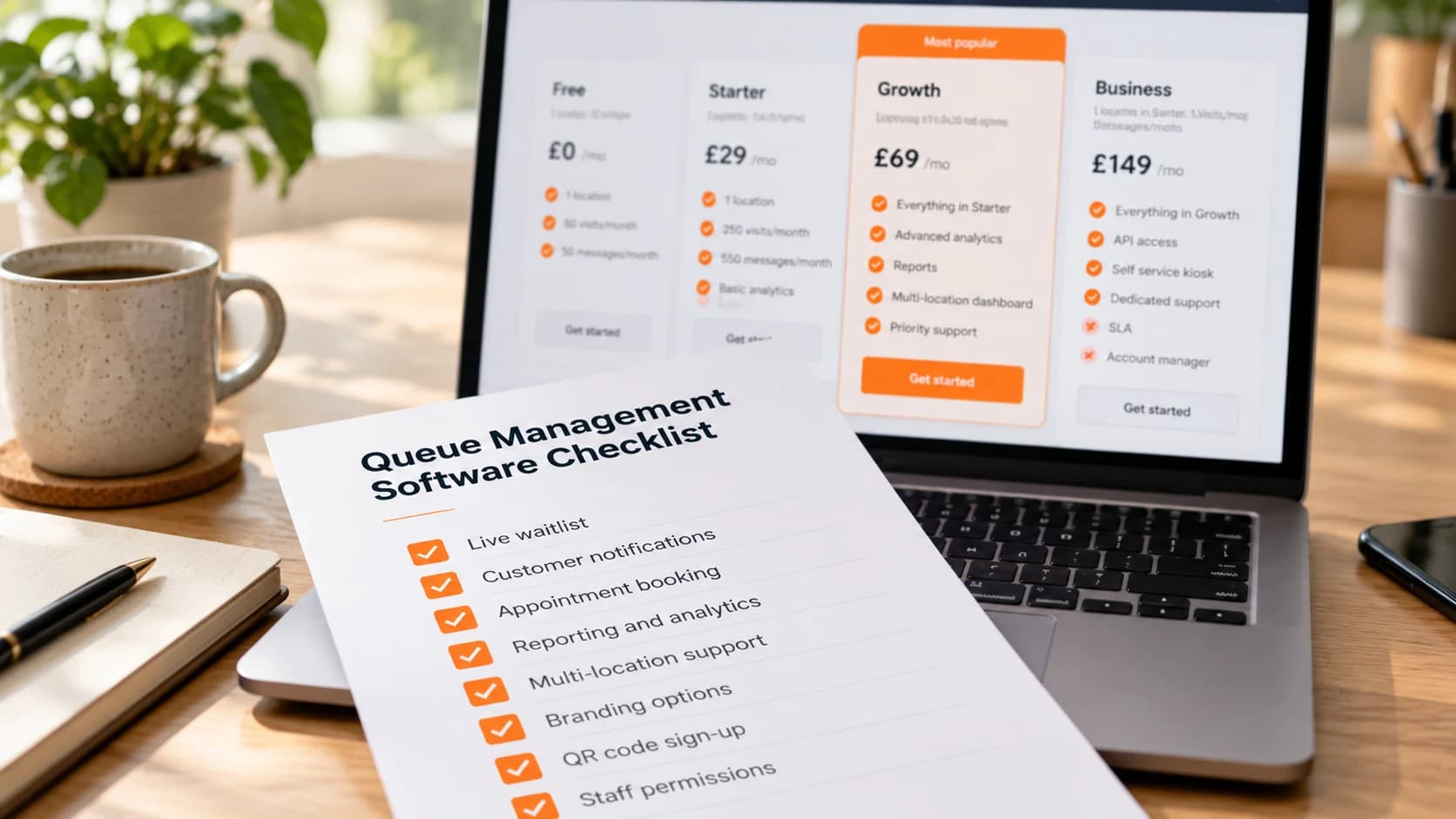
Five models are common, and many products mix two or three. Each has a catch worth knowing before you compare headline prices.
| Pricing model | How it works | Who it suits | The catch |
|---|---|---|---|
| Per location | A set price for each branch | Single sites, or chains with similar-sized branches | The price multiplies with every branch, and a quiet branch costs as much as a busy one |
| Per user (seat) | A price for each staff login | Small teams with one or two people on the counter | Part-timers and weekend staff either share logins (bad for accountability) or cost a seat each |
| Per visit | Bands by how many customers join each month | Businesses with a steady, predictable volume | A good month pushes you into the next band, and some tools stop new joins when you hit the cap |
| Per message | A charge for each text, on top of the subscription | Low-volume businesses that text rarely | The bill rises with your success, and per-text mark-ups can be large |
| "Unlimited" | A flat price with no stated caps | Busy sites that hate counting | Usually unlimited visits but not unlimited texts, or subject to a fair-use clause. Read it |
A common combination is "per location, plus per message". For example, Waitwhile's self-serve plans are priced per unit of one location or a block of visits, with text messages bought separately as credits on every plan [6] [7] (checked October 2026).
None of these is wrong. The point is to price your own month, not the vendor's example.
What do text messages really cost?
Messages are where the bill hides, so it's worth understanding what a message costs the vendor before you look at what they charge you.
SMS, priced by country
Text messages are charged per segment and priced by the country of the phone receiving them. Twilio, one of the biggest providers, lists outbound SMS to UK mobiles at $0.056 a segment [1] and to US numbers at $0.0083 a segment, plus a per-message carrier fee of a few tenths of a cent [2]. A segment holds 160 plain characters, or just 70 once the message contains an emoji or some accented characters, and longer messages are split into several segments [3].
Large senders pay less than list price. Waitwhile, for example, publishes its own per-segment rates, including $0.03509 for an outbound UK segment [7]. Even so, a UK text costs several times what a US one does, which is why a tool that looks cheap in the US can be expensive in Britain.
WhatsApp business messages are charged per delivered message, by message category and by the recipient's country [4]. Queue alerts are "utility" messages, which use pre-approved templates. Providers add a fee of their own: Twilio's is $0.005 per message, inbound or outbound [5]. WhatsApp also reports whether a message was delivered and read, which a plain text can't.
Push and email
Web push notifications cost nothing to send. Email costs a fraction of a cent through most providers. Neither is reliable on its own for "it's your turn" (most people never turn browser notifications on, and nobody watches their inbox in a queue), but both cut the number of paid messages.
A worked monthly example
Picture a phone repair shop in Manchester. It serves about 25 walk-ins a day, six days a week, so roughly 600 a month. Each customer gets two messages: a confirmation when they join, and "it's your turn".
| Set-up | Paid messages a month | Rough cost at Twilio's UK list rate |
|---|---|---|
| Text everyone, every time | 1,200 | About $67 |
| Text everyone, but some messages run to two segments | 1,200 messages, about 1,500 segments | About $84 |
| WhatsApp first, a text only if WhatsApp doesn't land | Fewer texts, plus WhatsApp's per-message fees | Depends on how many customers use WhatsApp |
| Drop the confirmation text, keep "it's your turn" | 600 | About $34 |
The figures are illustrations at list price, not a quote from any vendor. The lesson is the shape: messages can cost as much as the subscription, the number of segments matters, and switching off one unnecessary message saves more than haggling over the monthly fee.
So for every product on your list, ask: are messages included, how many, what happens past the allowance, and is there a cheaper channel to send first?
The 25-question checklist
Take these into any demo or trial. They're grouped by area, and each group links to the feature it's about.
Customer experience
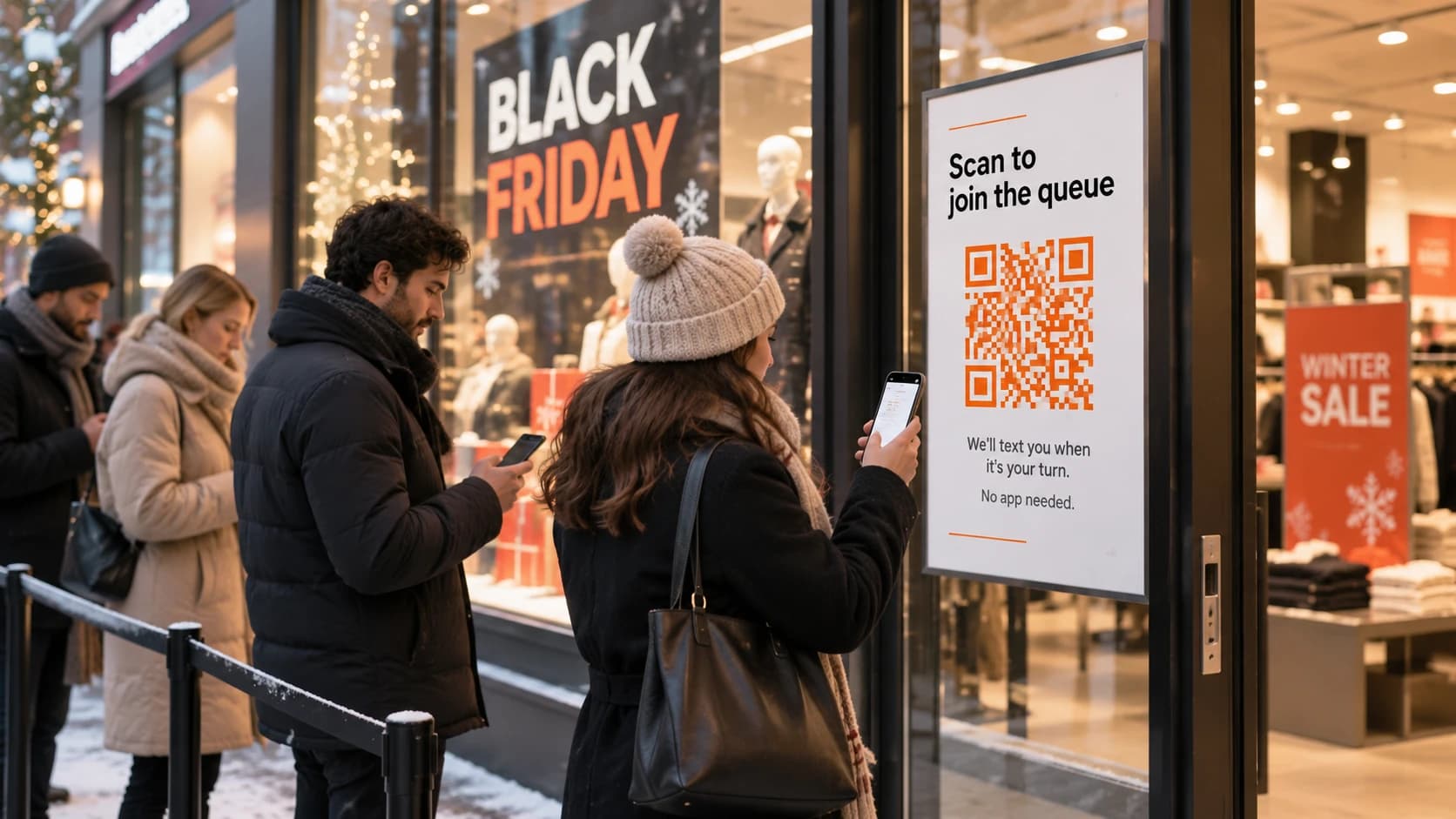
- Can customers join without downloading an app or creating an account? From a QR code, a link and a member of staff adding them by hand.
- Do they get a live status page showing their position and an estimated wait, updating without a refresh?
- Can they act for themselves from that page: leave the line, say they're running late, confirm they're still coming, fix a typo in their number?
Staff tools
- Can staff run the whole day from one screen, on a laptop, tablet or phone, without training beyond ten minutes?
- Can you give part-time staff limited access, so they can run the waitlist without touching settings or billing?
- Can staff add a walk-in by hand and call someone who has no smartphone?
Booking
- Can customers book a time as well as join a waitlist, in the same tool?
- Does it stop bookings and walk-ins colliding, by knowing which staff member, chair or room each one needs?
- Does it send booking reminders and let customers confirm, reschedule or cancel themselves?
Messaging
- Which channels does it send on? SMS, WhatsApp, RCS, web push, email, voice calls.
- Are messages included in the plan, and how many? What happens past the allowance: blocked, charged, or charged at what rate?
- Does it send on a cheap channel first and fall back to a text only if needed, or does it text everyone?
- Does it handle opt-outs properly, including replies of STOP, and keep marketing consent separate from visit messages?
Locations
- Can one account run several branches, each with its own hours, queues and settings?
- How is a second branch priced, and can a manager be limited to their own branch?
Reports
- Does it show average wait, no-show rate and busiest hours, by day, queue and branch?
- Can you download the underlying rows, or schedule a weekly report by email?
See real-time analytics.
Integrations and API
- Is there a public API and webhooks, so your own systems can add visits or react to them? On which plan?
- Does it connect to the tools you already rely on, such as a point-of-sale or booking system? Get a yes or no for each one, not "we integrate with lots of things".
Data and GDPR
- What customer data does it collect by default, and can you keep the form to a name and mobile number?
- Can you export or erase one customer's data when they ask? In the UK, people have a right to a copy of their personal data [9].
- Is there a written agreement covering how the vendor processes data on your behalf, and where is the data stored? UK GDPR sets out what that contract must cover [8].
Support and contract
- Is there a free plan or trial long enough to include your busiest day?
- Is the plan monthly, and can you cancel without a notice period? If annual is cheaper, is it optional?
- How do you reach support, and how fast do they answer on a Saturday? Ask during the trial and time it.
How to score the answers
A checklist is only useful if you compare products on it the same way. Give each question one of three marks, then weight the groups that matter to your business.
| Mark | Meaning | Example |
|---|---|---|
| Yes | It does it today, on the plan you'd buy, and you've seen it work | You joined from the QR code on your own phone and got the alert |
| Partly | It does it, but on a higher plan, at extra cost or with a workaround | Reports exist, but only on the next plan up |
| No | It doesn't, or the vendor couldn't show you | "It's on the roadmap" |
Then weight. A single-site barber might care most about booking and messaging and not at all about locations. A pharmacy group might put locations and data at the top. Two products with the same number of yeses can be very different buys once you weight them.
Count "on the roadmap" as a no. Features that don't exist yet can't serve your customers this Saturday, and roadmaps change.
What are the red flags when buying queue software?
Four things should make you pause.
Per-SMS mark-ups
A tool that charges well above the provider's own rate per text is making its margin on your busiest days. Compare the price per text with the provider rates above. A small margin is fair; several times the list price isn't.
Set-up fees
QR-code queue software needs no installation. A set-up or onboarding fee for a single location is usually paying for a sales process, not anything you need. Hardware kiosks and enterprise integrations are a different matter.
Annual lock-in
An annual discount is fine. An annual contract that's the only option, auto-renews and needs 60 or 90 days' notice to cancel isn't. You should be able to try a product on a monthly plan before committing to a year.
"Contact us for pricing" on a small plan
Quote-only pricing makes sense for a hospital trust or a national chain. For a single shop, it usually means the price depends on how much the salesperson thinks you'll pay. If you can't find a price for one location on the website, ask for it in writing before the demo.
No data export
If you can't download your customers and visit history, you can't leave. Ask to see the export during the trial, not after you've decided to switch.
How to run a two-week trial
Two weeks gives you at least two busy days and enough data to compare. Here's a plan.
Before you start: take a baseline
For one normal week, count roughly how many people you serve, how long the wait gets at peak, and how many walk out. A tally on paper is enough.
Day 1: set up and test
One queue, real opening hours, a short form. Print the QR code. Test the whole journey on a phone that isn't signed in to anything, on mobile data, from joining to being called.
Days 2 to 4: soft launch
Put the code at the counter and add people by hand when it's busy. Fix anything awkward: the wording on the poster, where the code sits, how early staff send the alert.
Days 5 to 12: run it properly
Code on the door, link on your website and Google profile. Include your busiest day. Ask a few customers what they thought.
Days 13 and 14: compare
Look at the system's own figures for waits, no-shows and served per hour, and at the message log: how many texts went out, and what that would cost on the paid plan. Then decide.
Ask the team, not just the dashboard
The people on the counter will tell you things the figures won't. At the end of the trial, ask them four questions:
- Which button did you use most, and was it where you expected?
- Did anyone complain, and about what?
- Was there a moment you went back to shouting names, and why?
- Would you be sorry to lose it next week?
If the answer to the last one is a shrug, the product hasn't earned its subscription yet. Either fix how you're using it (alert earlier, move the QR code, cut a message) or try the next one on your list with the same two-week plan, so the comparison is fair.
Where Queue Join fits, and where it doesn't
We make Queue Join, so treat this section as our view and check it against the checklist yourself.
Where it fits
- Independent businesses and growing chains that serve people in person: shops, salons, clinics, pharmacies, garages, public counters.
- Walk-ins and bookings together. Both flows are on every plan, Free included, and share customers, services and staff so they don't double-book.
- Messages included. Every plan has a monthly messaging allowance covering WhatsApp, RCS and SMS, rather than texts bought one by one. WhatsApp goes first where it reaches the customer, a text only if it didn't land, with free web push and email alongside. Voice calls are an add-on.
- More than one branch on one subscription, with staff limited to their own branch if you want.
- Month-to-month plans you can cancel at any time, and a free trial on paid plans.
Where it doesn't
- No single sign-on (SSO/SAML), and no SOC 2 or HIPAA certification. If your IT or compliance team requires them, look elsewhere.
- No Zapier or point-of-sale integrations. There's a public API and webhooks on higher plans, but no ready-made connectors.
- English only. Customer pages and messages are in UK or US English today.
- No restaurant table or floorplan management. If you seat parties at specific tables, a restaurant-specific tool will suit you better.
- WhatsApp alerts aren't sent to US or Canadian numbers. Those customers get a text instead.
- Message wording is fixed. Shops choose which messages go out and on which channels, but don't write the text, partly because WhatsApp requires pre-approved templates.
Analytics, reports, the API, the kiosk, the TV display and surveys are on higher plans. See current pricing for what each plan includes and costs.
FeatureInstant WhatsApp alertsWhatsApp first, SMS fallback, so customers always know the moment it’s their turn.Learn moreHead-to-head comparisons
If you've already got a shortlist, our alternatives pages compare Queue Join with specific products, line by line, with the sources for every fact about the other product and the date they were checked:
Competitor names are trademarks of their owners. Queue Join isn't affiliated with or endorsed by any of them, and plans and prices change, so check each vendor's own website before you buy.
FeatureMulti-location supportRun every branch of a chain from one account, with per-location hours, staff, and waitlists.Learn moreThe short version
Price your own month, not the vendor's example: your locations, your staff, your visits and, above all, your messages. Take the 25 questions into every demo. Walk away from per-text mark-ups, set-up fees, forced annual contracts and tools that won't let you export your data. Then run a two-week trial that includes your busiest day, and let the numbers decide.
Frequently asked questions
Sources
- Twilio — SMS pricing for the United Kingdom (checked October 2026)
- Twilio — SMS pricing for the United States (checked October 2026)
- Twilio — What is the SMS character limit?
- Meta — WhatsApp Business Platform pricing (checked October 2026)
- Twilio — WhatsApp pricing (checked October 2026)
- Waitwhile — Pricing (checked October 2026)
- Waitwhile help — How much do SMS cost? (checked October 2026)
- Information Commissioner's Office — What needs to be included in the contract?
- Information Commissioner's Office — Right of access

About the author
Chris Hunter
CEO and founder of Queue Join, writing about running waitlists, bookings and customer messages for businesses that serve people in person.
More about Queue Join